Adding Silky Smooth Scrolling to Your Web Projects with Lenis: A Practical Guide
Learn how to integrate the Lenis smooth scrolling library from scratch. This tutorial covers core configuration, scroll event handling, GSAP integration, parallax effects, and how to avoid common pitfalls like broken anchor links and nested scroll issues.
Adding Silky Smooth Scrolling to Your Web Projects with Lenis: A Practical Guide
Last month, I helped a fellow indie developer fix their official website's scrolling interaction. Users complained the page felt like a "slideshow dropping frames" when scrolling. After some debugging, I found that native browser scrolling tends to lose visual continuity with complex layouts or heavy animations. Once I integrated Lenis, the experience was completely transformed. I've compiled the entire troubleshooting and configuration process into this guide. Follow along to add buttery-smooth scrolling to any of your projects.
Why Choose Lenis?
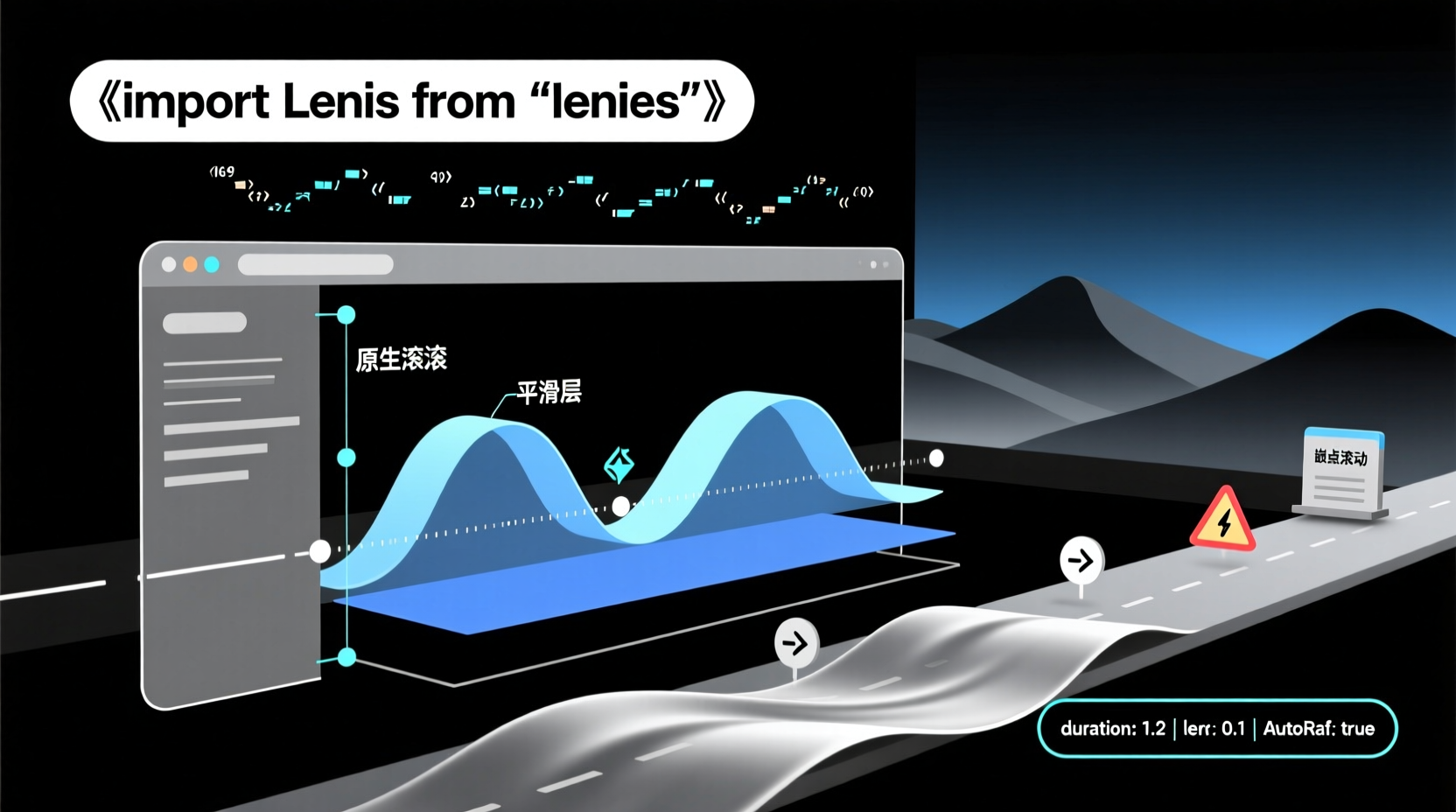
There are quite a few smooth-scrolling libraries out there (like locomotive-scroll), but Lenis stands out because it doesn't hijack native scrolling. Instead, it layers a smooth transition on top of the browser's native scroll mechanism. This means features like position: sticky, anchor links, and accessibility remain fully intact, avoiding the broken default behaviors that plague other solutions.
Prerequisites
- Node.js (v16+) and npm/pnpm/yarn installed
- Basic JavaScript knowledge, comfortable with DOM event manipulation
- A running frontend project (Vite, Create React App, or plain HTML/JS all work)
Step 1: Installation & The Essential CSS
bash
npm i lenisMany beginners skip the CSS and jump straight into JavaScript, which leads to bizarre scrolling behavior. Lenis relies on a specific set of styles to ensure the scroll container behaves correctly. Always import it first:
js
import 'lenis/dist/lenis.css'If you prefer not to bundle the CSS, you can link it directly in your HTML:
<link rel="stylesheet" href="https://unpkg.com/lenis/dist/lenis.css">
Step 2: Minimal Initialization
js
import Lenis from 'lenis'

const lenis = new Lenis({
  duration: 1.2,
  lerp: 0.1,
  autoRaf: true
})

lenis.on('scroll', (e) => {
  console.log('current scroll:', e.scroll)
})
Parameter Breakdown:
duration: Total scroll animation duration in seconds. Higher values create a longer "drag" effect.lerp: Linear interpolation strength (0 to 1).0.1is the official recommended default. Increasing it makes scrolling more responsive but can sacrifice smoothness.autoRaf: true: Automatically runs viarequestAnimationFrame, saving you from manually writing animation loops.
💡 Pro Tip: Get the default configuration working first, then fine-tune as needed. Most performance issues stem from setting
lerptoo high ordurationtoo long right out of the gate.
Step 3: A Practical Parallax Scroll Demo
Let's build a real-world scenario: hero text that fades out on scroll, and footer content that floats upward. Start with this HTML structure:
html
<section class="hero">
  <h1 class="title">Smooth Scroll Demo</h1>
  <p class="subtitle">Roll it down</p>
</section>
<section class="content">
  <p>Lenis drives your scroll experience.</p>
</section>
After basic CSS styling, here's the core JavaScript logic:
js
import Lenis from 'lenis'

const lenis = new Lenis({ autoRaf: true })

const title = document.querySelector('.title')
const subtitle = document.querySelector('.subtitle')

lenis.on('scroll', ({ scroll, velocity }) => {
  // Fade out title based on scroll position
  title.style.opacity = Math.max(0, 1 - scroll / 400)
  title.style.transform = `translateY(${scroll * 0.3}px)`

  // The higher the velocity, the more pronounced the subtitle rotation
  subtitle.style.transform = `rotate(${velocity * 0.05}deg)`
})
Key Takeaways:
scrollrepresents the current scroll distance in pixels, whilevelocitymeasures instantaneous speed. Mapping these values to visual properties allows you to implement parallax effects with minimal overhead.- Always use
transforminstead of modifyingtopormargin. This avoids triggering expensive layout reflows and keeps your animations running at a smooth 60fps.
Seamless Integration with GSAP ScrollTrigger
If you're using GSAP for your animation ecosystem, Lenis offers a seamless integration strategy:
js
const lenis = new Lenis()

lenis.on('scroll', ScrollTrigger.update)

gsap.ticker.add((time) => {
  lenis.raf(time * 1000)
})

gsap.ticker.lagSmoothing(0)
This synchronization ensures Lenis and GSAP's animation frames run in lockstep, preventing the "frame skipping" or desync that occurs when two animation loops run independently.
Common Pitfalls & How to Avoid Them
- Broken Anchor Links: Lenis doesn't handle anchor jumps by default. Enable them by setting
anchors: truein the config. - Nested Scroll Areas (e.g., modals with internal scrolling): Add
allowNestedScroll: trueto the config, or applydata-lenis-preventto the element to block Lenis from interfering. - Scrolling Inside iframes: Browsers don't forward
wheelevents into iframes. Lenis will not work inside them. This is a browser security limitation, not a library bug. - Safari Frame Rate Caps: Safari caps
requestAnimationFrameat 60fps (or 30fps in low-power mode). This isn't a misconfiguration; it's a WebKit limitation. - Forgetting the CSS: This is the #1 reason for broken implementations. Always verify that
lenis.cssis correctly loaded.
Next Steps
Once you've mastered the basic integration, consider exploring:
- Using
lenis/snapfor scroll snapping (similar to PowerPoint slide transitions) - Leveraging official framework adapters:
lenis/reactandlenis/vue - Diving into advanced use cases like infinite scrolling paired with WebGL
Smooth scrolling isn't just a visual gimmick—it reduces cognitive friction for users navigating your content. I hope this guide helps you ship a polished, professional scrolling experience. If you run into specific implementation hurdles, feel free to drop your code snippets in the comments, and let's debug them together.