How to Build Your Own Self-Hosted Search Engine API with OpenSERP
A practical guide to deploying a self-hosted Search Engine API in under 5 minutes. Features a unified interface for multi-engine queries, automated content extraction, and seamless integration into AI pipelines. Solves common scraping pain points like IP bans and expensive commercial APIs.
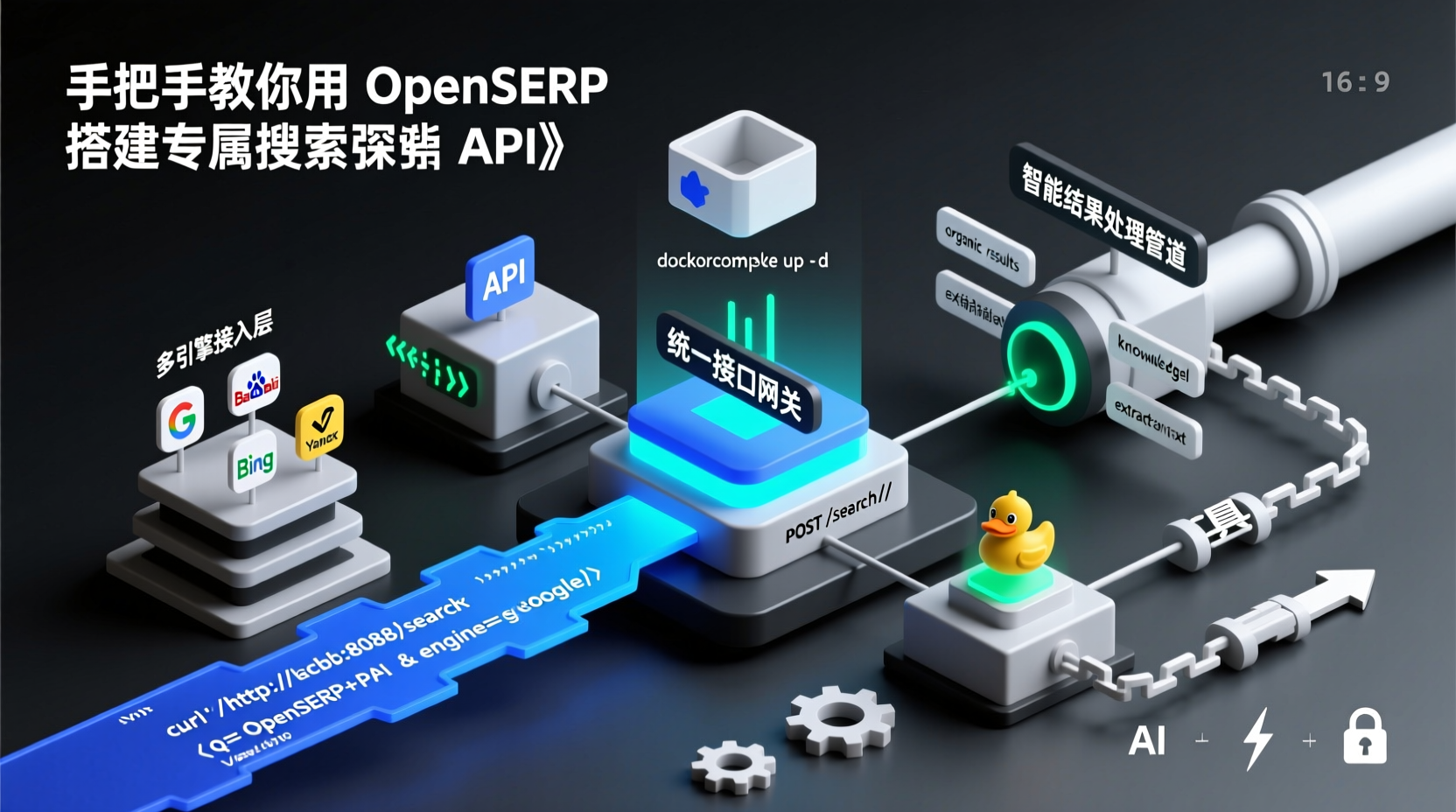
How to Build Your Own Self-Hosted Search Engine API with OpenSERP
Why Do You Need This Service?
When developing web scrapers or conducting SEO analysis, are you constantly struggling with these issues?
- Direct requests to search engines quickly lead to IP bans
- Commercial APIs are expensive and strictly rate-limited
- Needing data from multiple search engines but lacking a unified API interface
Recently, I discovered a perfect solution: OpenSERP. This open-source project, written in Go, allows you to spin up your own Search Engine Results Page (SERP) API in under 5 minutes. It supports major engines like Google, Baidu, Bing, and more, with built-in page content extraction. Today, I'll guide you through a zero-to-deployment setup and show you how to leverage it for generating AI-friendly search summaries.
Prerequisites
Make sure you have the following ready:
- Docker 20.10+ (Officially recommended to use Docker Compose for multi-service management)
- A server or local VM with at least 2GB of RAM
- Basic command-line proficiency
💡 Pro Tip: If deploying on a cloud server, remember to open port
8080. For testing, it's highly recommended to practice locally with Docker Desktop first.
Quick Deployment Guide
Step 1: Clone the Repository
bash
git clone https://github.com/karust/openserp.git
cd openserp
Step 2: Start the Service with One Command
The project includes a complete docker-compose configuration. Let's launch it directly:
bash
docker-compose up -d
## Verify service status
curl http://localhost:8080/health
Why use Compose? The stack includes both the API service and a headless rendering browser instance. Compose automatically handles network isolation and service dependencies. Once started, visiting http://localhost:8080 will open the API documentation.
Step 3: Verify Basic Functionality
Test a basic search query using curl:
bash
curl 'http://localhost:8080/search?q=OpenSERP+tutorial&engine=google&language=en'You'll receive a JSON response containing titles, links, snippets, and other metadata. Note that the engine parameter supports google, baidu, bing, yandex, duckduckgo, and ecosia.
Advanced: Building an AI-Enhanced Search Pipeline
Fetching raw results is just the beginning. Let's integrate a text-processing toolchain to convert search outputs into structured summaries.
Practical Example: Tech Keyword Trend Analysis
- Batch Fetch Results from Multiple Engines
python
import requests
import json

def multi_engine_search(keyword):
    engines = ['google', 'baidu', 'bing']
    results = {}
    for eng in engines:
        url = f'http://localhost:8080/search?q={keyword}&engine={eng}'
        res = requests.get(url).json()
        results[eng] = [item['title'] for item in res.get('organic_results', [])[:3]]
    return results

print(json.dumps(multi_engine_search('LLM fine-tuning techniques'), indent=2))- Result Cleaning Tips
Keep in mind that different search engines return varying field structures:
- Google results often include
sitelinksfor sub-pages - Baidu URLs require handling of
baidu_urlredirects - It's recommended to use the
page_extraction=trueparameter to fetch full HTML content for deep parsing
Common Pitfalls & Troubleshooting
| Issue | Solution |
|---|---|
| No response on port 8080 after container starts | Check the ports mapping in docker-compose.yml. Another process might be occupying the port. |
| Google/Baidu returns CAPTCHA or verification pages | Configure a proxy pool or reduce request frequency. The project supports the PROXY_URL environment variable. |
| Memory usage exceeds 3GB | Limit memory in the compose file using deploy.resources.limits.memory. |
Next Steps & Optimization
- Set the
REDIS_URLenvironment variable to enable result caching, boosting repeated query speeds by over 50%. - Integrate with Playwright to customize dynamic page scraping strategies.
- Use the
/extractendpoint to pass a URL directly and retrieve Markdown-formatted content.
Once deployed, you can plug this service into LangChain's Retrieval-Augmented Generation (RAG) pipelines, or schedule periodic scripts to monitor competitor SEO strategies. I've used a similar architecture in production to generate a daily tech trend brief, which significantly improved data accuracy.
Ran into a specific configuration issue? Drop your error logs in the comments below, and I'll help you troubleshoot. Don't forget to star the repository to support the open-source maintainers!